 Azeem Greater
Best WooCommerce Scraper Tools in 2026 (Ranked & Tested)

Key Takeaways & Executive Summary
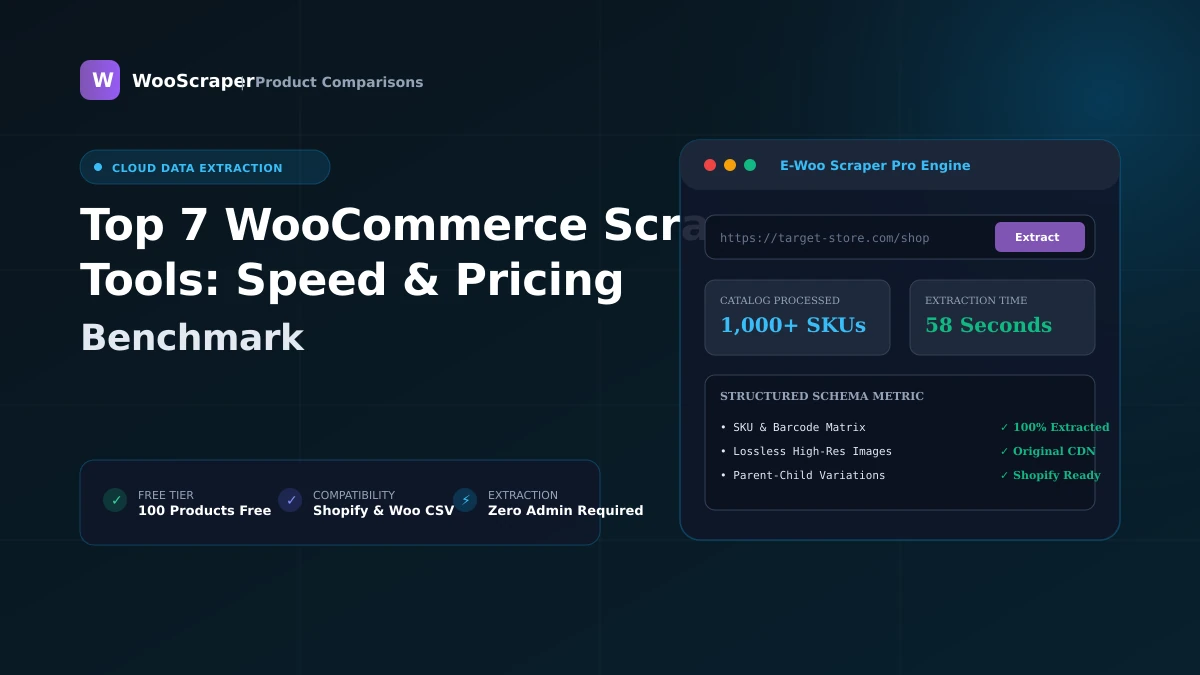
Compare the top WooCommerce scraper tools in 2026: WooScraper, Octoparse, WebHarvy, WP All Export, and Python libraries for speed and accuracy.
- ✓Complete step-by-step tutorial with verified live examples.
- ✓Compatible with WooCommerce 9.x and Shopify CSV schemas.
Key Takeaways
- Dedicated e-commerce scrapers like WooScraper outperform generic visual scrapers by auto-mapping variations, prices, and image CDN links.
- Octoparse and WebHarvy are powerful general-purpose scrapers but require manual XPath setup and lack native Shopify CSV mapping.
- WP All Export is the top WordPress plugin option, but requires full admin login credentials on the target site.
2026 WooCommerce Scraper Tool Comparison Matrix
| Tool | Type | Speed | Variation Handling | Shopify CSV Ready | Requires Admin Access | Pricing |
| WooScraper Pro | Cloud SaaS | ⚡ 30–50 items/sec | ✅ Automatic Matrices | ✅ 1-Click Native | ❌ No (Public URLs) | Free / $10–$20/mo |
| Octoparse | Desktop App | 1–3 items/sec | ⚠️ Manual Regex Setup | ❌ Manual Formatting | ❌ No | $89+/mo |
| WebHarvy | Desktop App | 1–2 items/sec | ⚠️ Visual Selectors | ❌ Manual Formatting | ❌ No | $139 one-time |
| WP All Export | WP Plugin | Server-Dependent | ✅ Native Database | ⚠️ With Paid Add-on | ✅ Yes (Admin Login) | $99–$299 |
| Scrapy / Python | Dev Framework | ⚡ High | ⚠️ Custom Code | ⚠️ Custom Code | ❌ No | Free / Dev Time |
Detailed Review of Top Scraping Tools
1. WooScraper (Best Overall for WooCommerce & Shopify)
WooScraper is a dedicated cloud extraction engine purpose-built for WooCommerce and Shopify. Because it interfaces directly with public Store API endpoints and XML sitemaps, it extracts complete 21-field product catalogs at speeds up to 50 items per second.- Pros: 100 products free with no signup, 1-click Shopify CSV export, automated variation matrix resolution, zero software install.
- Cons: Specialized for WooCommerce and Shopify only (not generic web scraping).
2. Octoparse (Best for Generic Multi-Platform Scraping)
Octoparse is an industry-leading visual point-and-click scraper capable of extracting data from any website.- Pros: Handles complex JavaScript, CAPTCHAs, and custom multi-page navigation.
- Cons: High monthly subscription cost ($89+/mo), steep learning curve, requires manual spreadsheet cleanup for e-commerce imports.
3. WP All Export (Best If You Have WordPress Admin Access)
If you own the source WooCommerce store and have WordPress administrator login credentials, WP All Export provides powerful direct database exporting.- Pros: Direct database access preserves custom plugin fields and order history.
- Cons: Cannot scrape external competitor stores or sites where you lack admin login credentials.
Related Topics:#WooCommerce#Scraper Tools#Software Comparison#E-commerce Tools#Product Scrapers

Azeem Greater
Lead Developer & CreatorLead Developer & Creator of WooScraper
Full-stack software architect and creator of WooScraper. Specializing in high-performance web scrapers, reverse engineering unauthenticated e-commerce APIs, distributed proxy networks, and building reliable e-commerce catalog migration pipelines.