
 Store Migration
 Azeem Greater
WooCommerce to Shopify Migration: The Complete Guide (2026)

Key Takeaways & Executive Summary
Step-by-step guide to migrating WooCommerce to Shopify: pre-migration checklist, variation mapping, 301 redirects, and CSV import formatting.
- ✓Complete step-by-step tutorial with verified live examples.
- ✓Compatible with WooCommerce 9.x and Shopify CSV schemas.
Key Takeaways
- Migrating from WooCommerce to Shopify requires converting relational database records into Shopify's flat parent/child CSV structure.
- Pre-migration audits prevent missing variant SKUs, broken image URLs, and lost SEO ranking equity.
- Using a dedicated export tool like WooScraper automates field mapping (Handle, Title, Option1/2/3, Variant Price, Image Src).
Pre-Migration Checklist
Before initiating catalog extraction, complete these preparation steps:
- Audit Active SKUs: Identify and archive obsolete or discontinued products to avoid migrating dead inventory.
- Verify Image CDN Health: Ensure featured and gallery images load from public URLs accessible by Shopify's import workers.
- Standardize Attribute Names: Unify variation attribute terms (e.g. ensure all products use "Size" rather than mixing "Sizes", "Size Options", and "Dimensions").
- Export Historical Customer & Order Data: If order history is needed, export separately using WordPress admin tools.
Step 1: Export Your WooCommerce Catalog
Using WooScraper:
- Paste your WooCommerce store URL into the scraper.
- Select all product categories or target specific collections.
- Choose Shopify CSV as your export format.
post_title→Titlepost_name→Handle_regular_price/_sale_price→Variant Price/Variant Compare At Price- Variation Attributes →
Option1 Name,Option1 Value,Option2 Name,Option2 Value - Featured & Gallery Images →
Image SrcandImage Position
Step 2: Map Variations, SKUs & Pricing
Shopify structures variable products differently than WooCommerce:
- Parent Row: Contains the product Title, Handle, Body HTML description, Vendor, Product Type, Tags, and first variant details.
- Child Rows: Contain only the matching Handle, unique Option values, distinct Variant SKU, Variant Price, and Variant Image URL (Title and Body are left blank).
Step 3: Import Into Shopify
- Log into your Shopify Admin dashboard.
- Navigate to Products and click Import in the top right.
- Upload your downloaded
catalog-export-shopify.csvfile. - Check the preview modal to verify that variations, prices, and image thumbnails render accurately.
- Click Import Products to execute the catalog ingestion.
Preserving SEO Rankings During Migration
Moving platforms changes your URL structure (e.g. WooCommerce /product/leather-jacket/ becomes Shopify /products/leather-jacket). To preserve your organic Google search rankings:
- Set Up 301 Redirects in Shopify: Go to Shopify Admin > Online Store > Navigation > View URL Redirects. Add 301 permanent redirects mapping old WooCommerce product URLs to new Shopify paths.
- Preserve Meta Titles & Descriptions: Ensure your exported CSV includes the
SEO TitleandSEO Descriptioncolumns mapped from WooCommerce Yoast or RankMath SEO fields. - Submit New XML Sitemap: Submit your new Shopify sitemap (
https://yourstore.com/sitemap.xml) to Google Search Console immediately after DNS switchover.
Post-Migration QA Checklist
- [ ] Verify product count in Shopify matches source WooCommerce catalog.
- [ ] Test variation selectors (Size/Color dropdowns) on 10 random product pages.
- [ ] Confirm all product gallery images load from Shopify CDN without broken links.
- [ ] Test checkout flow with a live test order.
- [ ] Validate 301 redirects using a redirect checker tool.
Frequently Asked Questions
Will my WooCommerce customer passwords transfer to Shopify?
No. Because passwords in WordPress are hashed with bcrypt, customer passwords cannot be decrypted for export. After migrating customer email lists, use Shopify's "Invite Customers" feature to prompt users to set new passwords.How long does a 5,000-product migration take?
With WooScraper, exporting 5,000 products to a Shopify CSV takes approximately 2 to 3 minutes. Ingesting the CSV into Shopify takes 5 to 10 minutes depending on Shopify's background image downloading queue.Can I migrate products from WooCommerce to Shopify for free?
Yes. WooScraper provides a 100-product free tier with full Shopify CSV formatting. For larger catalogs, Basic ($10/mo) and Pro ($20/mo) plans handle up to unlimited products.Automate Your E-Commerce Data Pipeline
Extract Any WooCommerce or Shopify Store in Seconds
Stop copying product catalogs manually. WooScraper extracts complete catalogs, high-resolution media galleries, variation matrices, and prices directly into clean CSV, Excel, and JSON files ready for instant store migration.
100 Free Products
WooCommerce & Shopify
Instant Excel / CSV Export
Related Topics:#WooCommerce#Shopify#Store Migration#E-commerce Replatforming

Azeem Greater
Lead Developer & CreatorLead Developer & Creator of WooScraper
Full-stack software architect and creator of WooScraper. Specializing in high-performance web scrapers, reverse engineering unauthenticated e-commerce APIs, distributed proxy networks, and building reliable e-commerce catalog migration pipelines.
Related Tutorials & Articles
Continue exploring technical guides and e-commerce scraping strategies.
Store Migration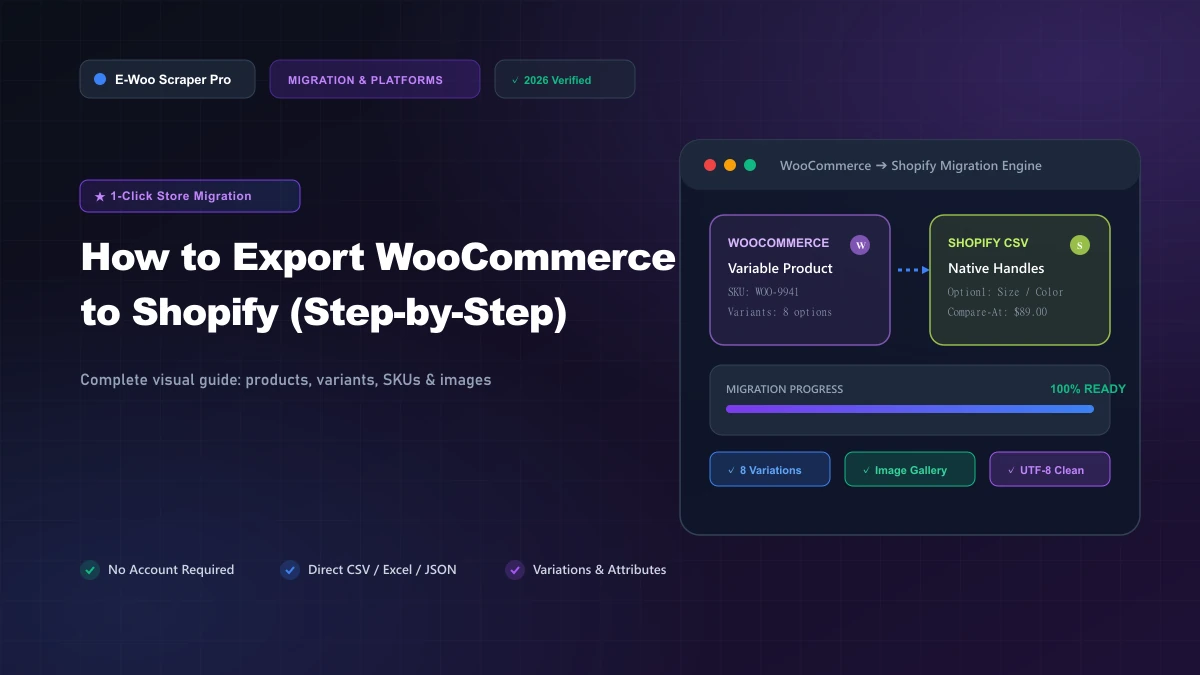 Store Migration
 Store Migration
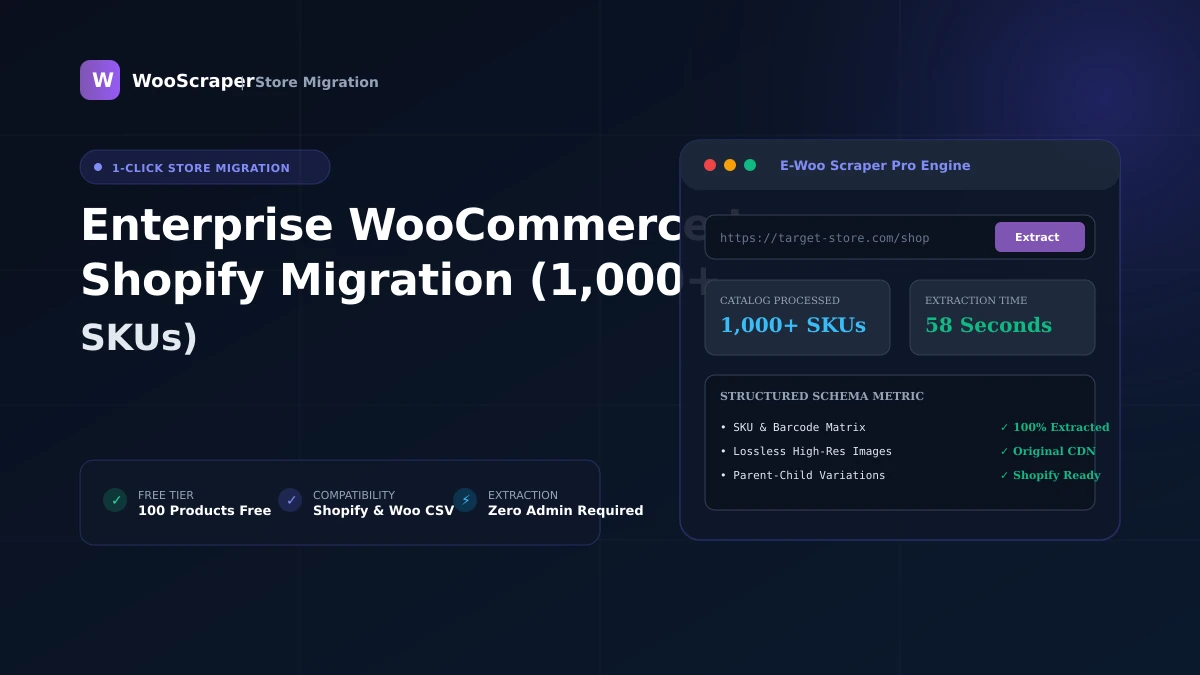
Enterprise WooCommerce to Shopify Migration (1,000+ SKUs)
May 281 min read