 Enterprise & Automation
Is Scraping WooCommerce Legal? Compliance & Rules
Aug 302 min read
 Azeem Greater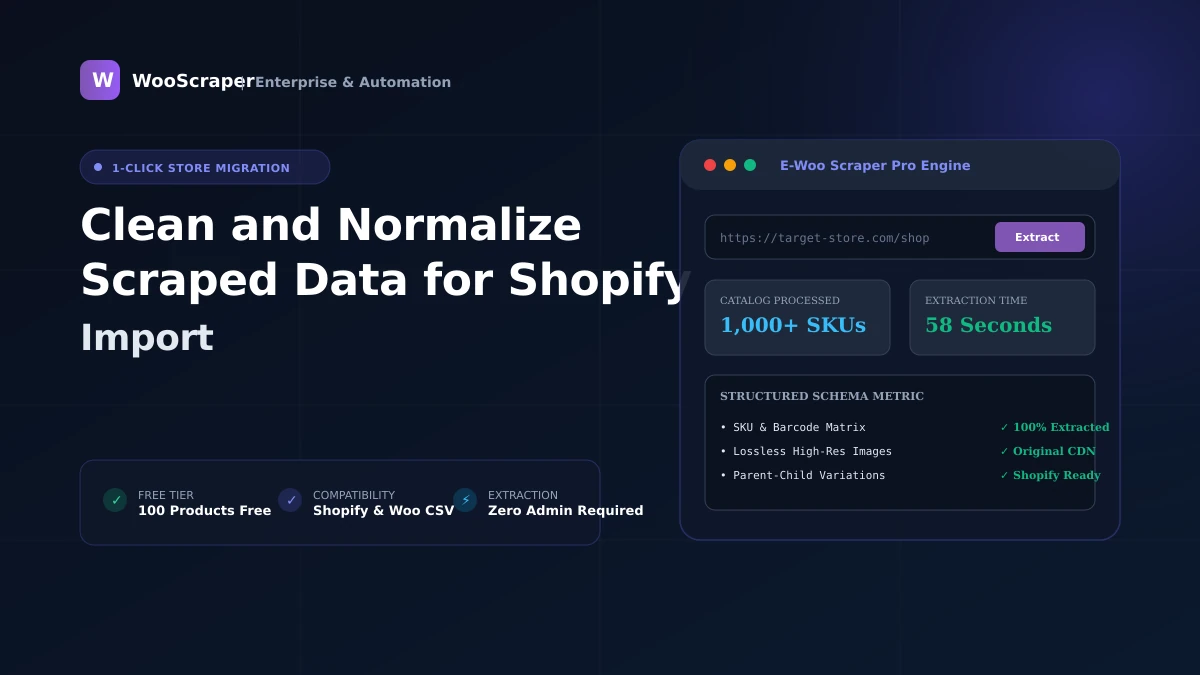
Learn how to clean, sanitize, and normalize raw scraped e-commerce data for error-free Shopify product imports and catalog migrations.
Cleaning and normalizing scraped data for Shopify import is the systematic process of sanitizing raw catalog exports—removing broken HTML tags, standardizing currency formats, converting variant options into uniform capitalization, and eliminating duplicate whitespace—to ensure seamless, error-free ingestion into Shopify.
Raw scraped data often contains inconsistent vendor naming, unclosed HTML divs, or malformed prices that cause Shopify's CSV importer to reject rows.
graph LR
    A[Raw Scraped Data] --> B[1. Sanitize HTML Tags]
    B --> C[2. Normalize Currency & Numbers]
    C --> D[3. Format Handles & Slugs]
    D --> E[4. Standardize Variant Options]
    E --> F[5. Verify Image URLs]
F --> G[Clean Shopify CSV][vc_row]) while preserving essential formatting tags like
$, €, £) and comma separators, converting raw strings like $1,249.99 USD into pure numerical decimal values (1249.99).
premium-leather-wallet) without special characters or accented letters.
When you extract data using WooScraper, all 5 normalization steps are performed automatically in real-time before your CSV is generated, saving hours of manual data editing.
Stop copying product catalogs manually. WooScraper extracts complete catalogs, high-resolution media galleries, variation matrices, and prices directly into clean CSV, Excel, and JSON files ready for instant store migration.

Lead Developer & Creator of WooScraper
Full-stack software architect and creator of WooScraper. Specializing in high-performance web scrapers, reverse engineering unauthenticated e-commerce APIs, distributed proxy networks, and building reliable e-commerce catalog migration pipelines.
Continue exploring technical guides and e-commerce scraping strategies.