e-woo scraper logo
Back to all articles
June 16, 2026

E-Woo Scraper vs woocommerce-scraper.com: The Ultimate WooCommerce Product Scraper Comparison

⚡ Try E-Woo Live Preview Scraper

Paste any WooCommerce store URL below to extract the first 3 products instantly.

E-Woo Scraper vs woocommerce-scraper.com: The Ultimate WooCommerce Product Scraper Comparison

The Search for the Best WooCommerce Scraper

When it comes to extracting product data from WooCommerce stores, finding the right tool is key. There are multiple scrapers in the market, but the two main contenders are E-Woo Scraper and woocommerce-scraper.com. While both aim to extract product information, they do so with very different features, scaling capabilities, and pricing plans.

In this detailed comparison, we will evaluate the two tools side-by-side, analyzing their limits, extraction modes, variable product handling, and export formats to help you choose the best WooCommerce product scraper for your e-commerce operations.

As store migration and price monitoring tasks scale, tool constraints become major bottlenecks. Testing the limits of your scraping provider beforehand protects you from half-completed exports and billing surprises during project timelines. E-Woo Scraper is built as the ultimate woocommerce-scraper.com alternative, offering robust extraction pipelines that outscale standard utilities.

1. The Free Tier Advantage: 100 Products vs 5 Products

The most immediate and significant difference between the two platforms is their free tier. Many store owners need to test a scraper or extract small catalogs without committing to a paid plan. Here is how they compare:

  • woocommerce-scraper.com: Limits free scrapes to a maximum of 5 products. This is barely enough to test a single product page and does not allow for a complete evaluation of variable products.
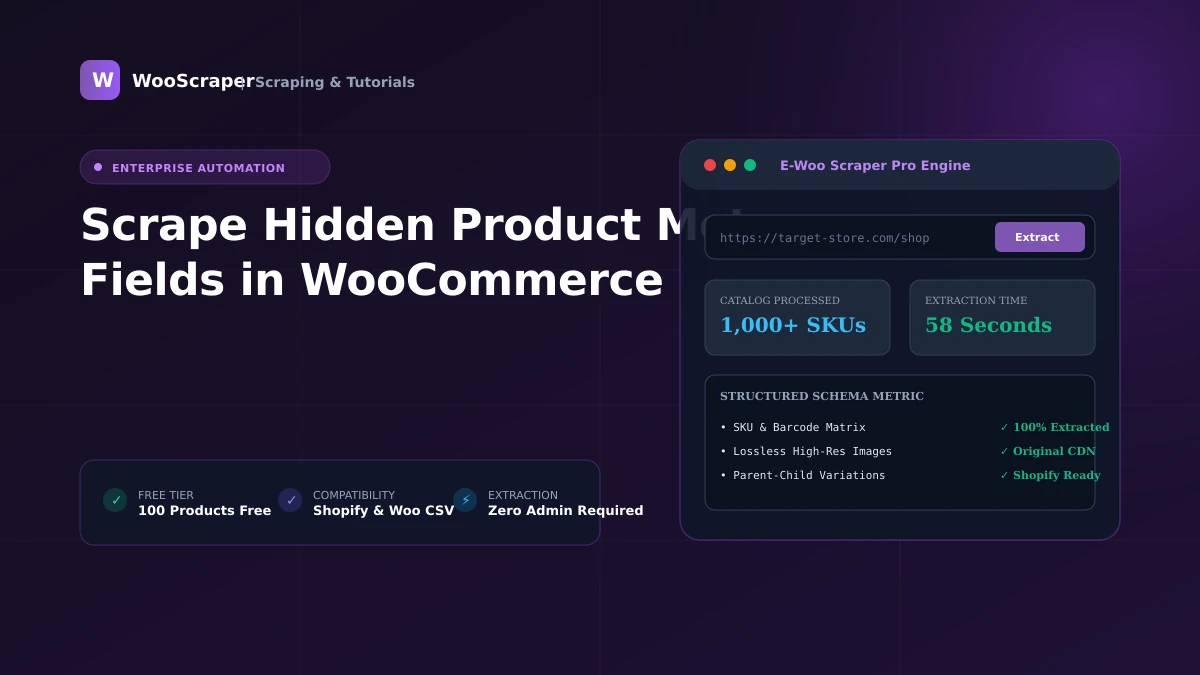
  • E-Woo Scraper: Offers 100 products absolutely free, with no credit card required. This is 20× more than the competitor, letting you scrape entire small catalogs and verify product variants before paying a single dollar.

With E-Woo's generous free tier, developers and merchants can run complete testing passes on small boutique sites without incurring account setup overhead. It's the ideal Free WooCommerce Scraper playground to evaluate attributes extraction before buying.

2. Scraping Modes: Cloud + Local vs Chrome Extension Only

How the scraping engine runs determines its reliability and convenience. The competitor, woocommerce-scraper.com, relies entirely on a Chrome Extension. While extensions are easy to use, they force you to keep your browser tab open during the entire scrape, using your own computer's memory and IP address. If the target store has strict IP blocking, your local IP can get banned quickly.

E-Woo Scraper offers a dual-mode hybrid architecture:

  • Local Mode: Runs via a browser worker to scrape locally (ideal for sites that block cloud server IPs).
  • Cloud Mode: Runs on our serverless cloud infrastructure with automated rotating residential proxies. You can close your browser and walk away while E-Woo does the heavy lifting, protecting your local network from IP bans.

The cloud mode is especially crucial for enterprise scraping operations, allowing users to run bulk scrapes of 5,000+ products in the background without causing local system lag or exposing residential network IPs to server-side bans. Browser extensions often crash when scraping over 1,000 items due to browser tab memory leaks and garbage collection blocks. E-Woo's remote serverless nodes handle these heavy loads in isolated sandboxes, ensuring complete data delivery. In addition, browser extensions cannot run on schedules, meaning users must launch them manually every day, while E-Woo runs scheduled cloud scrapes on auto-pilot.

3. Feature Breakdown and Variation Mapping

Variable products (different sizes, colors, and prices) are notoriously hard to scrape. E-Woo Scraper features a dedicated parent/child SKU resolution engine that maps variations to separate spreadsheet rows, linked back to the parent SKU. Furthermore, E-Woo displays a **live progress bar** showing success/failed counts in real time, a feature completely missing on woocommerce-scraper.com.

E-Woo also supports more export formats, allowing downloads in standard WooCommerce CSV, Shopify import feeds, Excel spreadsheets, and raw JSON documents. The competitor lacks a native JSON API/feed output. This makes E-Woo the superior developer-friendly option for headless e-commerce integrations. With E-Woo, you also get rotating proxy packages included in all plans, whereas competitors charge extra or require custom API proxy setups. This integrated approach ensures predictable pricing without additional billing surprises.

Conclusion: Which WooCommerce Scraper Wins?

While woocommerce-scraper.com is a functional basic tool, E-Woo Scraper offers a much more powerful, modern, and generous solution. With 100 free products, rotating proxies, automatic variant mapping, and a cloud scraping queue, E-Woo Scraper is the ultimate free WooCommerce scraper. Try E-Woo Scraper today and simplify your catalog extraction!