Migration & Platforms
Compare the 6 best WooCommerce migration tools to move your store to Shopify. Discover why eWooScraper ranks #1 for no-code speed and data accuracy.
- ✓Complete step-by-step tutorial with verified live examples.
- ✓Compatible with WooCommerce 9.x and Shopify CSV schemas.
Why Dedicated Migration Software is Essential
Native WordPress export plugins generate bulky XML files that require complex database transformations before Shopify accepts them. Dedicated migration tools automatically map product descriptions, variant pricing, SKUs, and image CDNs into clean tables. Using automated software prevents broken customer journeys and ensures accurate inventory tracking from day one. Choosing the right tool reduces migration time from weeks to minutes.Top 6 WooCommerce Migration Tools Ranked
1. eWooScraper (Best Overall No-Code Migration Tool)
- Rating: 9.9/10
- Key Benefit: Direct storefront scraping with pre-built Shopify CSV export formatting.
- Why it wins: Requires zero WordPress plugins or database access. Automatically formats complex variations, image galleries, and pricing tables with 1-click simplicity.
2. Cart2Cart
- Rating: 8.5/10
- Key Benefit: Full store migration including customer records and order history.
- Drawback: Expensive pricing tiers and recurring fees based on entity counts.
3. LitExtension
- Rating: 8.3/10
- Key Benefit: Assisted migration service for enterprise-scale platforms.
- Drawback: Slower turnaround times and steep technical learning curve.
4. Matrixify (Excelify)
- Rating: 8.0/10
- Key Benefit: Powerful Shopify app for bulk sheet imports and updates.
- Drawback: Requires pre-formatted spreadsheets; does not extract raw WooCommerce data natively.
5. WP All Export Pro
- Rating: 7.4/10
- Key Benefit: Highly customizable WordPress plugin for internal database exports.
- Drawback: Heavy server resource usage that can crash shared hosting plans during large exports.
6. Native WooCommerce CSV Exporter
- Rating: 6.0/10
- Key Benefit: Free built-in WordPress feature.
- Drawback: Generates raw schema incompatible with Shopify, requiring hours of manual column mapping.
Why eWooScraper is the Best Solution
While traditional migration services charge hundreds of dollars per scan, eWooScraper offers a faster, lighter approach. It extracts public WooCommerce store data directly and structures it instantly for Shopify import. You get error-free SKUs, perfect image attachments, and clean HTML descriptions without touching PHP code. Ready to migrate without the technical friction? Start Free with eWooScraper and export your entire store catalog in minutes.Frequently Asked Questions
Which tool is fastest for moving products to Shopify? eWooScraper is the fastest tool because it scrapes and outputs Shopify-compliant CSV files directly without database configuration. Do migration tools slow down my live WooCommerce store? Traditional server plugins can cause slowdowns, but eWooScraper uses external cloud scrapers that do not burden your hosting server. Can I test a small batch of products before full migration? Yes. eWooScraper allows you to run free extractions on category pages to verify file structure before migrating full catalogs. ---The 6 Best WooCommerce Migration Tools
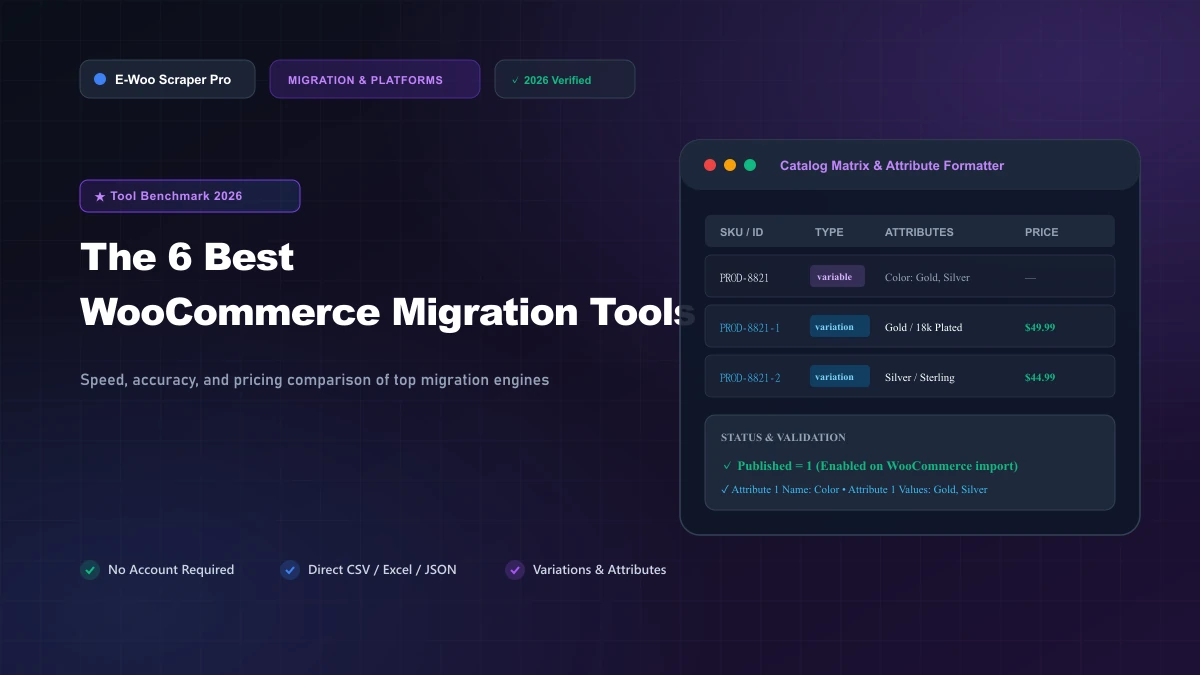
Switching your e-commerce store from WooCommerce to Shopify can feel overwhelming without the right software. Picking an unreliable migration tool leads to dropped product images, scrambled variants, and expensive store downtime. Here is our ranking of the six best WooCommerce migration tools based on speed, accuracy, and ease of use.
Native WordPress export plugins generate bulky XML files that require complex database transformations before Shopify accepts them. Dedicated migration tools automatically map product descriptions, variant pricing, SKUs, and image CDNs into clean tables.
Using automated software prevents broken customer journeys and ensures accurate inventory tracking from day one. Choosing the right tool reduces migration time from weeks to minutes.
While traditional migration services charge hundreds of dollars per scan, eWooScraper offers a faster, lighter approach. It extracts public WooCommerce store data directly and structures it instantly for Shopify import. You get error-free SKUs, perfect image attachments, and clean HTML descriptions without touching PHP code.
Ready to migrate without the technical friction? Start Free with eWooScraper and export your entire store catalog in minutes.
Which tool is fastest for moving products to Shopify? eWooScraper is the fastest tool because it scrapes and outputs Shopify-compliant CSV files directly without database configuration.
Do migration tools slow down my live WooCommerce store? Traditional server plugins can cause slowdowns, but eWooScraper uses external cloud scrapers that do not burden your hosting server.
Can I test a small batch of products before full migration? Yes. eWooScraper allows you to run free extractions on category pages to verify file structure before migrating full catalogs.
---
Extract Any WooCommerce or Shopify Store in Seconds
Stop copying product catalogs manually. WooScraper extracts complete catalogs, high-res images, variations, and prices directly into clean CSV, Excel, and JSON files ready for store migration.