 Azeem Greater
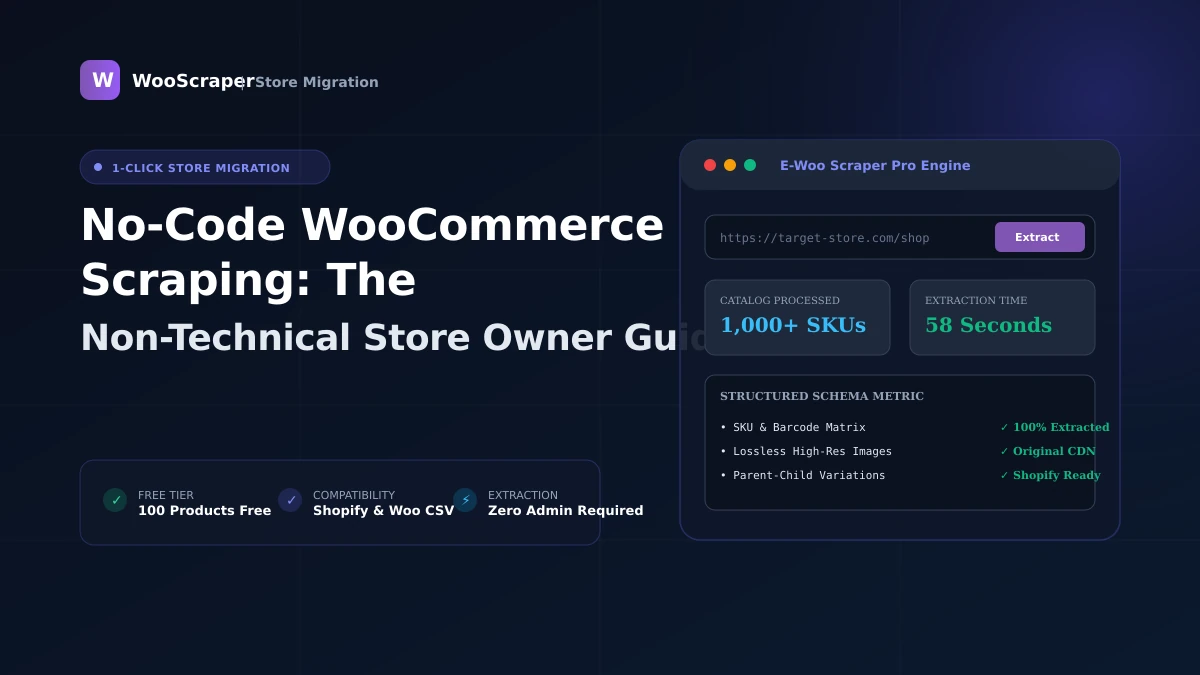
No-Code WooCommerce Scraping: The Non-Technical Store Owner Guide
Key Takeaways & Executive Summary
Learn how to extract WooCommerce products without code, extensions, or technical setup. 100% visual 3-step extraction for store owners.
- ✓Complete step-by-step tutorial with verified live examples.
- ✓Compatible with WooCommerce 9.x and Shopify CSV schemas.
> Related Guide: This is a non-technical visual guide for store owners and merchants. For developer-level API architectures and edge-case handling, see our Complete WooCommerce Scraping Guide.
Key Takeaways
- You don't need Python, coding skills, or browser extensions to extract product catalogs.
- Paste any store URL into a cloud tool to generate clean Excel and Shopify CSV files.
- Free tier allows extracting up to 100 products instantly with zero registration.
Why Store Owners Need No-Code Scraping
As an e-commerce merchant or store manager, you frequently need product catalog data:
- Migrating to Shopify: Moving your existing catalog to a new platform without manual data re-entry.
- Supplier Catalog Ingestion: Converting a vendor's public store into formatted inventory spreadsheets.
- Competitor Price Checks: Checking competitor price levels to optimize your margins.
Step-by-Step Visual Workflow
- Copy the Store Link: Navigate to the target WooCommerce store in your browser and copy its URL.
- Paste & Launch in WooScraper: Go to WooScraper and paste the link. Click Inspect & Continue.
- Choose Your Export Format: Once extraction completes, click Export Results and select Shopify CSV, Excel XLSX, or WooCommerce CSV.
Related Topics:#no code scraping#store owner guide#easy product scraper#woocommerce to csv#no code ecommerce

Azeem Greater
Lead Developer & CreatorLead Developer & Creator of WooScraper
Full-stack software architect and creator of WooScraper. Specializing in high-performance web scrapers, reverse engineering unauthenticated e-commerce APIs, distributed proxy networks, and building reliable e-commerce catalog migration pipelines.